
Account & Billing
Balance, free credit, and auditing requests.
Your account holds a prepaid USD balance. Paid requests deduct from it. :free models do not.
The Dashboard shows balance and usage. The Billing page handles top-ups.
Pay by card (Stripe or Creem) or crypto. Top-ups are one-time, not subscriptions. Balance does not expire.
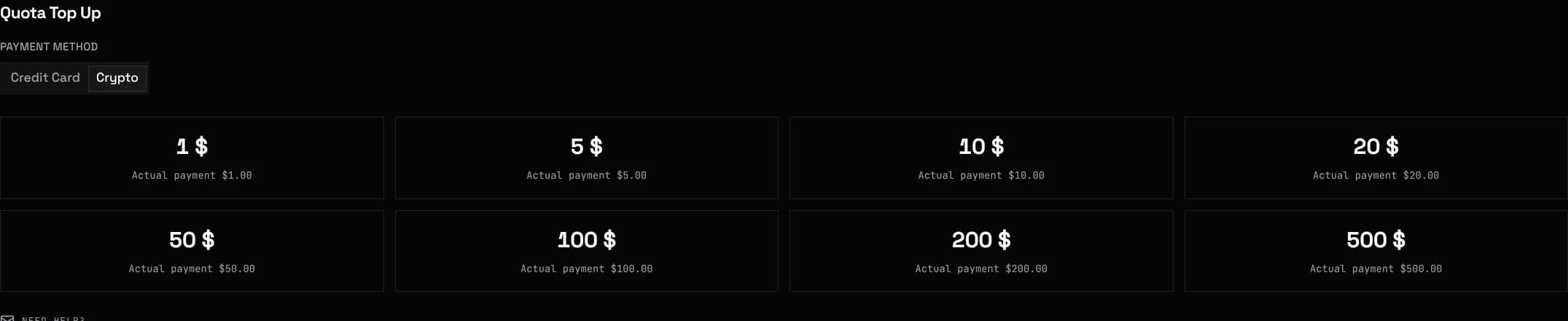
A minimum applies per payment method, shown at checkout.
Linking Discord, boosting, voting, inviting, staying active and reporting bugs all credit your balance. Amounts and rules are in Discord Rewards
The affiliate program pays commission on referral top-ups, up to $44 across all levels.
Rewards credit the account linked to your Discord. Link it first.
Reward balance expires if unused. Purchased balance does not.
Keys are managed on the Tokens page. Each has its own name, expiry, spending limit, model allowlist and IP allowlist.
A key at its spending limit returns 402. Your balance and other keys are unaffected.
A key can also pin models to specific provider groups and their rates, see Group Pinning
Each paid request deducts input plus output tokens at the model's rates, or the flat per-call price.
Failed requests are not billed. A pre-hold is taken at the start and refunded on error.
Which status code fires when money runs out, 402 for a key limit and 403 for an empty balance, is detailed in Rate Limits & Errors
The Logs page lists every request with model, token counts, cost and request id. Quote the request id if a charge looks wrong.