
Multiplayer Rooms
One scene, several people at the keyboard.
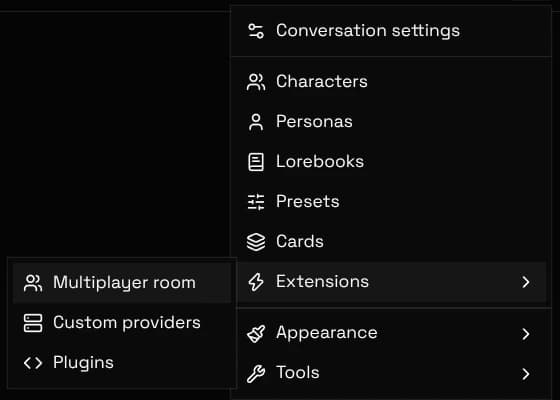
Start a chat and send at least one message, since a room shares an existing conversation. Then pick Extensions, then Multiplayer room from the actions menu, and press Open room. You get an invite link to send to whoever should join.
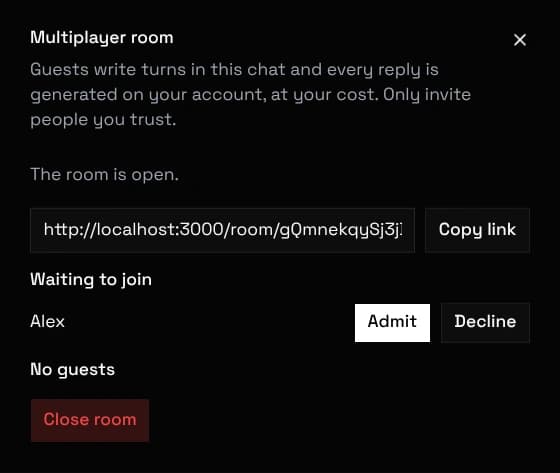
The link only lets someone knock. Every join shows up in the panel with their chosen name, and nothing reaches the chat until you press Admit. You can remove a guest at any time.
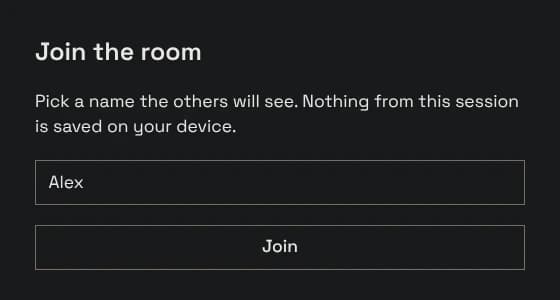
Open the link, pick a name the others will see, and wait for the host to admit you. No account, no API key, and no setup are needed.
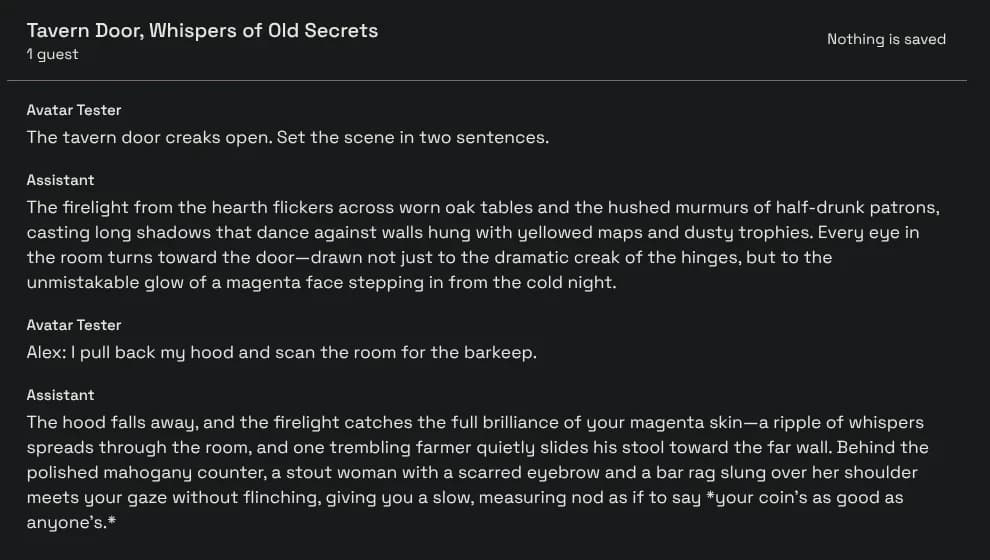
Guests see the messages and can write turns. Editing, swiping, deleting, and changing characters or settings stay with the host.
One person writes at a time. While someone is taking a turn or a reply is being generated, everyone else's composer is disabled, so two people cannot talk over each other.
Guest turns are prefixed with the guest's name so the model can tell the humans apart. The persona itself stays the host's, which means everyone shares one user macro in the prompt.
A room is live only. Guests keep nothing: closing the tab discards everything, and nothing is written to a guest's device at any point. The full chat is saved normally on the host's device, as usual.
The room dies with the host's tab. There is no reconnecting to a room later, and the invite link stops working once the room is closed.
Guests never receive the character card, the lorebook, or the preset. They see the messages, the chat title, and the character's name, and nothing else.
This room does not exist means the link is stale or mistyped, or the host has closed the room. Ask the host for a fresh link.
Rooms connect browsers directly. Some restrictive company or mobile networks block that kind of connection; if a guest cannot connect at all, a different network usually fixes it.