
Presets
Sampling, behavior toggles, and core prompts.
Presets carry the full sampler set: temperature, top-p, frequency and presence penalties, max output tokens, and reasoning effort where supported. Conversation sliders override the preset per chat.
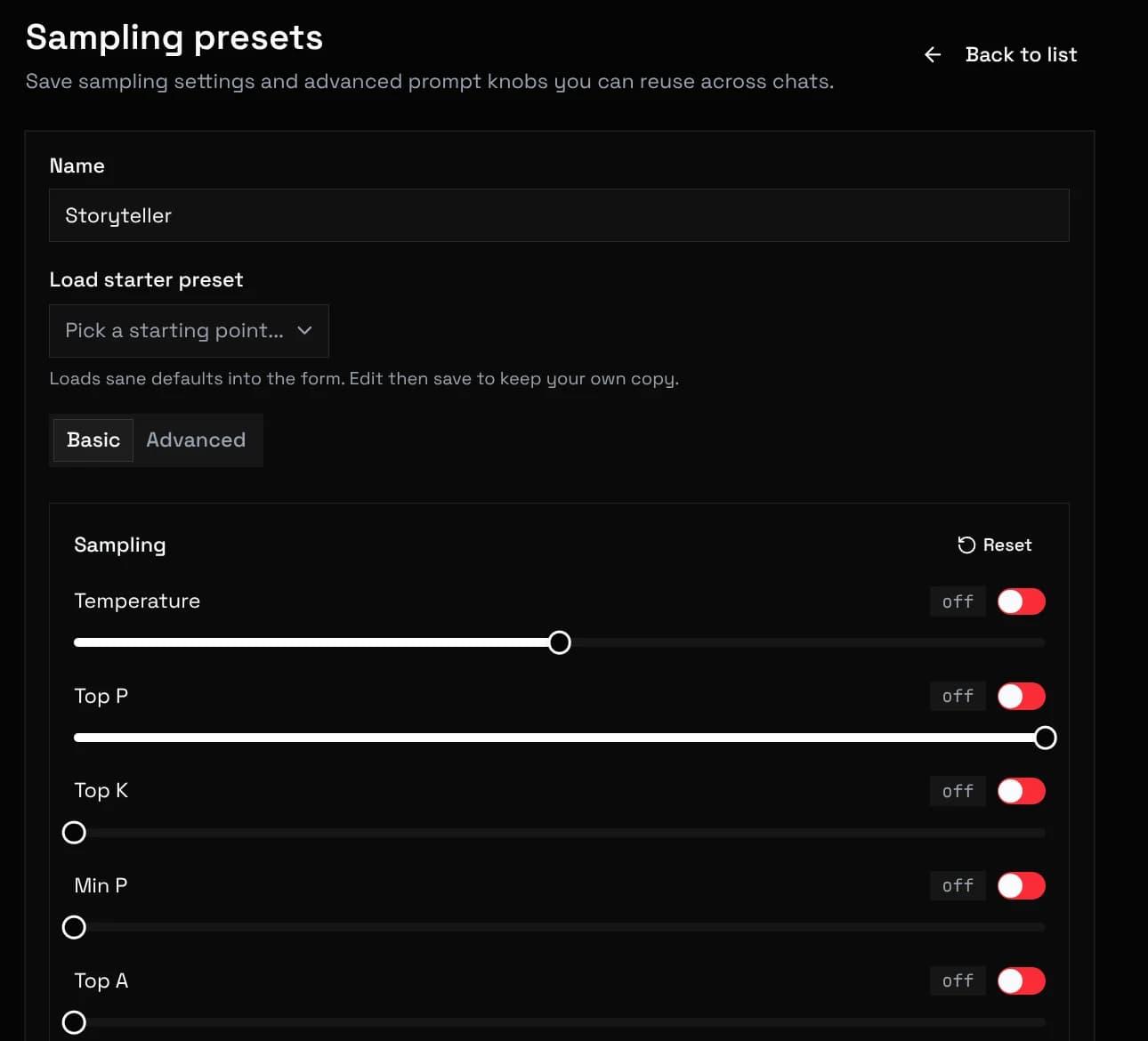
Extra body passes provider-specific JSON fields verbatim. On key clash it beats the preset, and sliders beat both.
Toggles adapt the request to strict providers and special workflows:
| Toggle | Effect |
|---|---|
noSystemRole | Rewrites system messages as user messages for endpoints that reject the system role. |
forceAlternateRoles | Merges consecutive same-role messages so roles strictly alternate. |
mustStartWithUserInput | Prepends a stub user turn when the history would start with the assistant. |
geminiBlockOff | Sets all Gemini safety categories to OFF. |
disableCaching | Starts every request with a random one-time line so the provider's prompt cache never hits. Input is billed at full price. |
streamingEnabled | Streams tokens as they generate instead of waiting for the full reply. |
showReasoning | Shows model reasoning blocks in the UI when the model emits them. |
The main prompt opens the request and carries your global instructions. It supports macros, so one preset adapts to any character.
Post-history instructions are injected after the chat history with a configurable role. Being last gives them the strongest pull on the next reply.
Prefill seeds the start of the assistant's answer, for steering models that support assistant-side continuation.
Mark a preset as default for new chats, or pin a different one in the loadout. Duplicate a preset before experimenting.